
If you've opened your inbox lately to find an email from Meta with the subject "Your additional Facebook profiles", don't scroll past it. For many small businesses here on the Granite Belt, it's the most important Facebook update in years.
Here's what's changing, who it affects, and exactly what to do about it.
Two emails, two very different messages
Meta has been sending two emails at around the same time, and it's easy to confuse them.
1. "Your Meta Account is here"
This one is mostly good news. Meta has renamed Accounts Centre to your Meta Account: one login that covers your Facebook and Instagram profiles, plus Threads, Meta AI and Meta's smart glasses. Your profiles, followers and posts stay the same. You don't need to do anything, although it's a good moment to check which profiles are linked to your login.
2. "Your additional Facebook profiles"
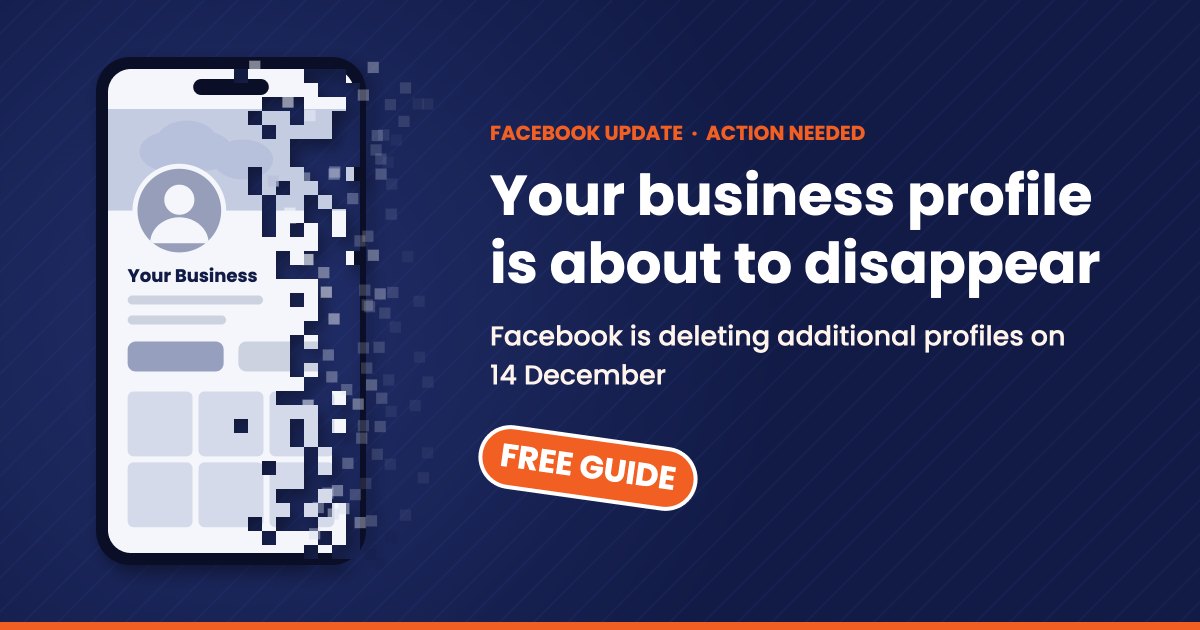
This is the one that needs action. Meta is removing additional profiles altogether. In the notices we've seen, the deletion date is 14 December 2026. After that date, those profiles and everything on them will be deleted.
What is an additional profile?
A few years ago Facebook let people create extra profiles under their main personal login. The idea was that you could have one profile for your personal life and others for interests, hobbies or communities.
In practice, plenty of small business owners used this feature to set up a profile for their business. People connected by adding it as a friend rather than following a Page. It looked like it worked, so many businesses never thought about it again.
If that sounds like you, your business profile is on the chopping block.
What you'll lose if you don't act
When an additional profile is deleted, Meta says the associated information goes with it. That means:
- Every post and photo you've shared
- Your friends list, which for a business is your customer list
- Messages and conversations
- Your admin role in any Facebook Groups the profile manages
Your main personal profile is not affected. The problem is that years of business history and every customer connection on that extra profile simply disappear.
Why a business Page is the better home anyway
There's no button to convert an additional profile into a business Page, so you'll be starting a fresh Page. That sounds like a pain, but it's an upgrade:
- No 5,000-friend cap. People follow your Page, with no limit.
- Insights. See who's engaging and which posts work.
- Advertising. Boost posts and run targeted ads to local customers.
- Contact and booking buttons that make it easy for customers to reach you.
- Instagram connection, so you can post to both at once.
- Safe team access. Give staff or your marketing agency access without handing over your password.
Using a personal-style profile for business has always sat outside Facebook's rules. This change just forces the issue.
What to do before the deadline
The full step-by-step instructions are in our free guide (details below), but here's the short version:
- Check if you're affected. Look for the Meta email, or open Facebook, tap your profile picture and see what profiles are listed under your main one. Check inside the app, not through email links, because scammers copy Meta's emails.
- Back up everything. Use the Export your information link in Meta's email, or go to Accounts Centre → Download your information. Do this first.
- Create a business Page from your main personal profile, using the same name, logo and cover photo so customers recognise you.
- Bring your people across. Post a pinned "We've moved" message with a link on the old profile and repeat it weekly until the deadline.
- Hand over any Groups your additional profile manages.
- Update your links on your website, Google Business Profile, Instagram bio, email signature and printed material.
- Switch your Instagram to a business account while you're at it, and turn on two-factor authentication for your Meta Account.
The sooner you start, the more of your audience will move across with you. Leave it until the week before and many followers will simply miss the message.
Get our free step-by-step guide
We've put together a free, plain-English guide that walks you through every step, with a checklist so nothing gets missed.
To get your copy, email us at
Rather we just handled it?
Skippy Productions has been helping Granite Belt businesses online for over 20 years. We're based right here in Stanthorpe and we don't outsource. We can take care of the whole switchover for you: backing up your profile, building a professional Facebook Page, moving your followers across and connecting Instagram.
Get in touch today and we'll make sure your business doesn't lose its Facebook audience on 14 December. Or call 1300 754 779.